For developers
The open-source engine behind the team.
The same PM, engineers and reviewers, running on your own Mac or Linux machine with your Claude or ChatGPT plan. Free and MIT licensed.
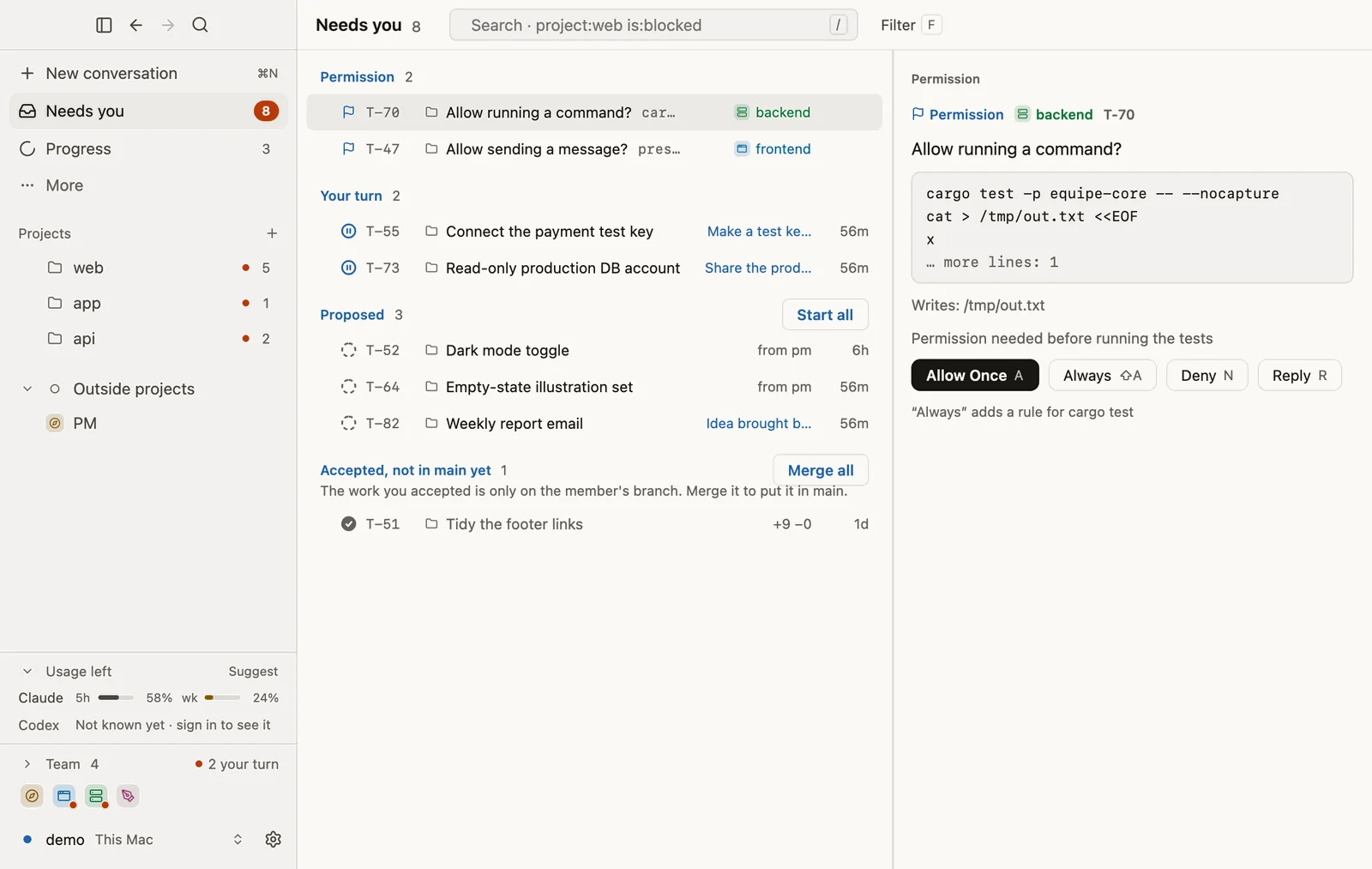
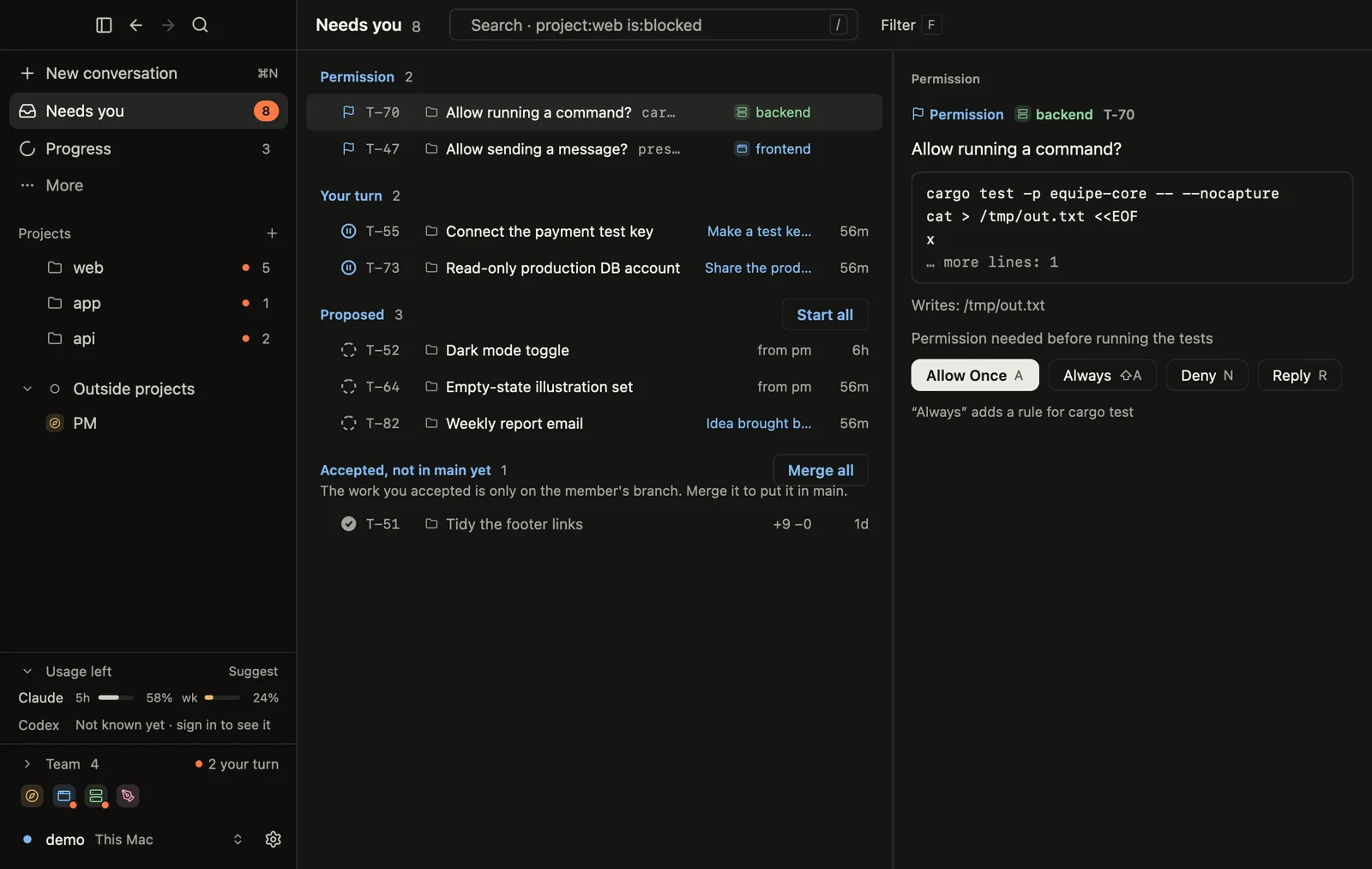
The Mac app
Three steps to your first ticket.
Download and open.
Drag equipe into Applications and open it. The command-line tool comes built in.
Connect your plan.
equipe runs on your paid Claude or ChatGPT plan. Sign in when the app asks.
App didn't ask? Run
equipe loginin Terminal.Tell the PM your goal.
Create your squad and say what you want. The PM takes it from there and asks when it needs you.
App says the squad is off? Run
equipein Terminal.
Install from the terminal (CLI)
The desktop app already includes the equipe CLI. You only need this if you want to run the squad from a terminal, or you are on Linux. Pick one way to install it on macOS or Linux:
Installs a prebuilt equipe through the Homebrew tap. Update later with brew upgrade equipe:
brew install equipe-labs/tap/equipe One line on macOS and Linux. It puts a prebuilt equipe in ~/.local/bin, checked against its SHA-256, and adds it to your PATH:
curl -fsSL https://github.com/ equipe-labs/equipe/releases/latest/download/install.sh | sh Build from source (advanced)
Prefer to build it yourself? Install from source with Rust 1.88+ and git: clone github.com/equipe-labs/equipe, then run cargo install --locked --path crates/cli. The Claude engine also needs the claude binary.
Sign in to an engine, check it's ready, then open the squad console:
equipe login
equipe status
equipeWant a first taste without the board? Let one agent edit your repo on a new branch, in an isolated worktree:
equipe try --edit "…"Approve from your phone
Pair the iPhone app or the signed Android APK with your squad. Requests reach your phone end-to-end encrypted.

Install the Android app
Download the signed APK directly from equipe.
- Open the Android (APK) link on your phone.
- Download the file.
- When asked, allow “Install unknown apps” for your browser.
- Open the APK and install it.
- On your Mac, run
equipe pair, then scan the QR code with the app.
Google Play is coming.
- File SHA-256
bd8f267edeb10ce0aaed1efbb80f7b3c349895f6121e5f8a97d647d09f8d9773- Signing certificate SHA-256 (Umbriles Inc.)
f6884e264a84a48b04cf7b04256e40e3887543795b430e367aee2ff769041a87
The iPhone app. Approve from your phone.
Developer questions
Where do my code and data go?
Your files stay on your Mac. The squad works on copies and leaves the originals alone until you accept. The AI models see what they work on through your own Claude or ChatGPT plan, as in any Claude Code or Codex session. The phone apps talk to your Mac end-to-end encrypted.
How is this different from an AI coding agent?
It's not another agent. It's the team on top of Claude Code and Codex: roles, one board, a PM who checks the work, and you approving. It doesn't stop at code, or at launch.
Is it production-ready?
It's early, and built in public by its own squad. Expect fast changes.
How does work reach my repo?
Each member works on its own branch in an isolated git worktree, in a sandbox. Nothing merges into main until you accept. Pushes and deploys ask first.
Which engines, and how do they sign in?
Claude Code and Codex. Claude Code runs as the unmodified claude binary on your sign-in; Codex signs in with OAuth on your ChatGPT plan and identifies as originator: equipe.
Terminal, Linux, other Macs, Telegram?
The CLI runs the whole squad on macOS and Linux (Homebrew, install.sh or source). The Mac app attaches to a squad on another Mac over SSH. Telegram: equipe telegram setup.
Not a developer? The hosted team runs in your browser.
Get started