A booking page looks like the easiest product in the world: a few time slots and a button. It is actually a good teaching example, because the screen is simple while the decisions behind it are not. Who books? What exactly is a slot? What happens when two people want the same one, or someone is in a different timezone?
This article walks through building one with AI and no code, in the order you would really do it. As a worked example we use Jiwoo Korean, a demo site made by an equipe team in about 45 minutes. Everything else here is general advice that works with any tool.
The short answer. Define one kind of person and one flow: pick a time, confirm, done. Store slots and bookings in a real database. Decide the edge cases before building: double booking, timezones, confirmation emails, cancellations. Test with two browsers and a phone, then invite ten real people, and count completed bookings.
The worked example: Jiwoo Korean
Jiwoo Korean is a made-up business: a solo Korean tutor who takes lesson bookings. The business is invented for the demo, but the site is real and live, and an equipe team built it in about 45 minutes. It has a week-at-a-glance scheduler that shows times in your timezone, and after you book it sends a confirmation email and a calendar file.
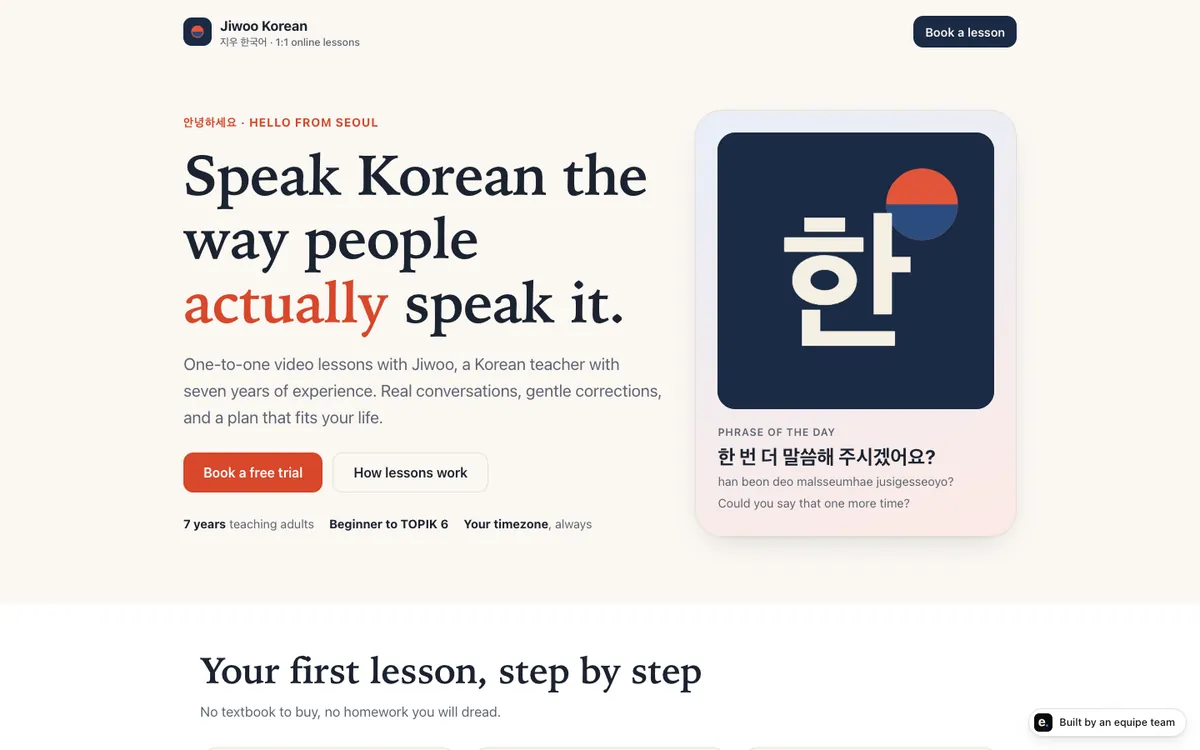
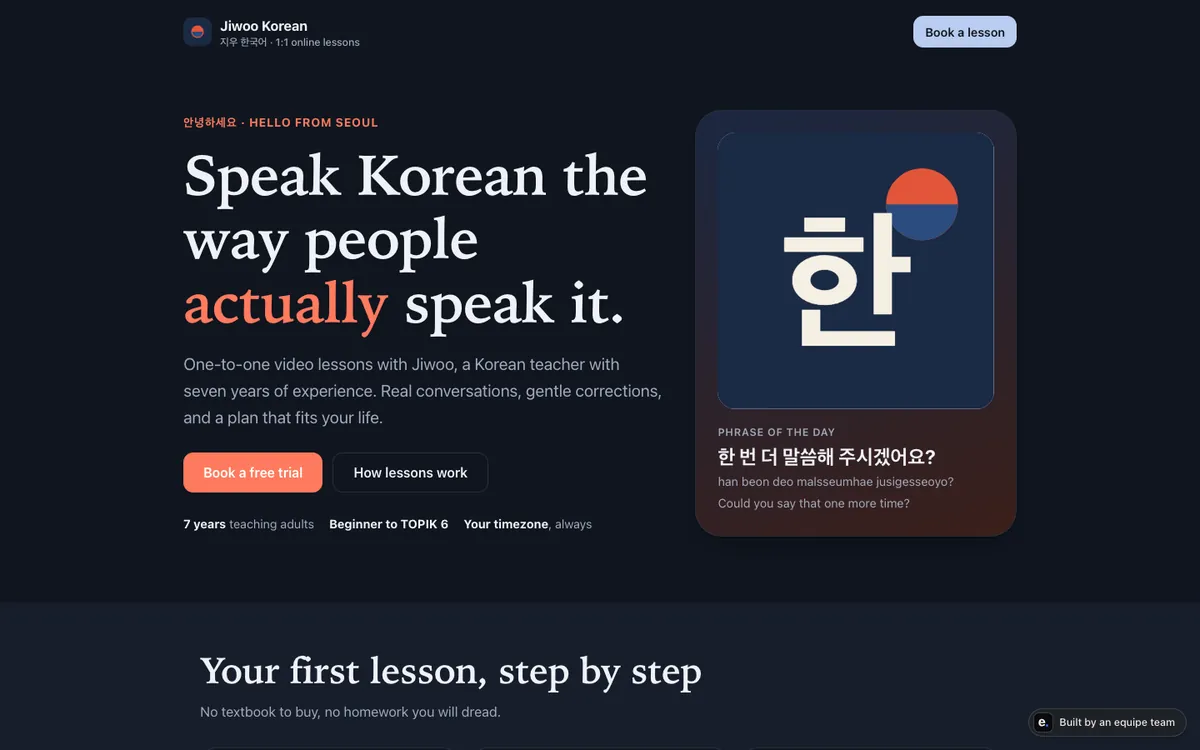
We list only what we know the demo does. When this article talks about cancellations, reminders, payments or anything else, that is advice on what to consider, not a description of Jiwoo.
Step 1: define the user and the one flow
Write three sentences, as in our guide to launching a real product without code:
- Who: “Adults learning Korean in the evenings, booking on their phone.”
- Problem: “They go back and forth by message to find a time that works.”
- Proof: “Ten students book a first lesson through the page without asking me anything.”
Then describe the flow as plain steps. For a booking page it is usually four:
- The visitor sees available times for the week.
- They pick one and enter a name and an email address.
- The page confirms the booking on screen.
- They receive an email with the details and a calendar file.
Everything else is “not now”: accounts, payment, reviews, a blog. You can add these after the flow works. If you are unsure the problem is real, run some conversations first; our interview questions for validating an idea give you a script.
Step 2: define the data
A booking page needs only two kinds of data. Naming them before you build makes the AI’s job far clearer.
| Data | What it holds | Who changes it |
|---|---|---|
| Slots | Date and time, length, whether it is open or taken | You, when you set your availability |
| Bookings | Which slot, name, email, when it was made, status (confirmed, cancelled) | The visitor, by booking or cancelling |
Both must live in a database: a stored, organised place on a computer that stays on. If they live only in the visitor’s browser, a booking vanishes when they close the tab, and you never see it. Two other points belong to this step:
- Store times in one standard way (for example, a universal time) and convert for display. This is how a scheduler can show each visitor their own timezone.
- Decide who sees what. Visitors should not see each other’s names or emails. Only you see the list of bookings.
If any of these terms are new, the glossary explains hosting, database, domain and secrets in plain words.
Step 3: decide the edge cases before you build
This is where booking pages usually fail. The happy path takes minutes to build; the edge cases take the rest of the time. Write each one as a sentence the AI can act on.
- Double booking. Two people open the page, both see 6 pm as free, both click. The rule: the second one must be told the slot was just taken and offered another. Ask the builder to check availability again at the moment of saving, not only when the page loads.
- Timezones. You are in one city, the student in another. Store one standard time, show each visitor their local time, and show the timezone name next to every time so nobody guesses. The calendar file in the confirmation helps here, because calendar apps convert the time for you.
- Confirmation emails. What if the email address has a typo, or the email fails? The page should still show the confirmation on screen, and you should have a way to see the booking in your list.
- Cancellations and changes. Decide the rule first: how late can someone cancel, and does the slot reopen? If you are not building cancellation yet, say so in the confirmation email (“reply to this email to change your booking”) so people are not stuck.
- Past and distant dates. No booking in the past, and decide how far ahead people can book.
- Your own time off. Make it easy to close a day without deleting data.
Whatever you decide, put it in the brief. Our troubleshooting guide for non-coders explains why a vague brief is the most common cause of rework.
Step 4: build the smallest version
Give your AI tool or team the user, the flow, the data and the edge-case list, and ask it to build only that. A useful extra instruction: “Before you build, repeat back what you will assume.” You will catch most misunderstandings in that reply instead of in the finished page.
Look at it on a phone first, since most bookings from a personal site will arrive that way. With equipe, a PM asks the questions first (who it is for, what to check) and turns the idea into a plan, engineers and a designer build it, and QA tries it before it reaches you. If you build with another tool, the same questions still apply; you are just asking them yourself.
Step 5: test it like a stranger
Before anyone else sees it, run this list. Use your own phone and a private browser window, so you are not signed in as yourself.
- Book a slot start to finish. Does the confirmation appear? Does the email arrive, and does the calendar file open in your calendar app at the right time?
- Open the page in two browsers. Choose the same slot in both. Does the second one fail politely?
- Change your device timezone setting and reload. Do times shift correctly?
- Enter a nonsense email and an empty name. Is the error message clear?
- Look at your own list of bookings. Is everything you just did there, and only visible to you?
- Refresh and switch devices. Is the data still there?
Write down anything that surprised you. Each surprise is either a bug or a missing sentence in your brief.
Step 6: launch to ten
Do not announce it to the world. Invite ten real people from your target group, one by one, by message. Offer a real first slot, not a test.
- Tell them what to do (“book a first lesson for next week”), not how to use the page.
- Do not help them while they try. Where they hesitate is where the page is unclear.
- Ask each one two questions afterwards: what was confusing, and would they use it again.
If you want your own address instead of the default one, buying and connecting a domain is a separate step you can take once the flow works. With equipe, the team cannot buy a domain by itself: the request shows the domain and price, and only a signed-in member of your team can approve it.
Step 7: measure, then change one thing
Count three things for the first two weeks:
| Metric | What it tells you |
|---|---|
| Visits | How many people arrived |
| Bookings completed | How many finished the one flow |
| Repeat visits or second bookings | Whether they came back |
Divide bookings by visits. If many people visit but few book, the first screen, the choice of times or the form is the problem. As an invented illustration: if 10 people visit and 2 book, look at what the 8 saw before leaving. Change one thing, wait a week and compare. More on picking numbers in metrics for a small product.
Products built on equipe include analytics with no cookies and no stored IP address, only a two-letter country and a random anonymous id kept in the visitor’s browser; it shows counts, funnels and retention, and events are deleted after 180 days.
Where equipe fits
equipe is an AI startup team for people who cannot code: a PM, engineers, a designer, QA and a data analyst build, launch and keep improving your product, and anything that goes live, costs money or reaches your customers waits for your approval. The booking page above is one of five demo products, each built by an equipe team in roughly 35 to 45 minutes.
It is not the right fit if you want to own every account from day one, or you only need a ready-made scheduling service with no custom behaviour. Not shipped yet: one-step import from Claude with a database and a domain. You can start free with $5 of credit and no card; see pricing.
What to do next
Write your three sentences and the edge-case list today. Then build the smallest flow, test it as a stranger, and invite ten people. Once bookings work, you can add what you postponed, one piece at a time. For the bigger picture, read how to launch a real product without code.