When AI agents build and run a product for you, “is it safe?” is not a paranoid question. It is the right one. Agents can do real things: publish a site, spend money, message customers. The safety of the whole setup depends on what they are allowed to do on their own and what they must ask you first.
This article answers the question in plain language: what protects your data, your money and your product, what you should check yourself, and what we do not claim.
The short answer. The team works inside clear limits. It cannot publish, spend, message your customers or delete anything without your approval. Secrets are kept in a separate encrypted store and never shown to the AI. Each team runs on its own isolated machine. You can delete your data, and we remove it within 30 days.
Three things to protect
When you hand work to AI agents, three things can go wrong:
- Your money. An agent that can buy things or run up usage can cost you more than you meant.
- Your data and your customers’ data. Keys, passwords, sign-ups and orders must not leak or be visible to the wrong party.
- Your product and reputation. A bad change, published or emailed to customers, is hard to take back.
A safe system gives agents room to work while keeping those three behind a gate you hold. Here is how equipe does it.
Approvals: you hold the gate
Publishing, sending messages, purchases and deletions always wait for your approval. This is a rule of how the team works, not a preference you can forget to switch on.
When the team needs a decision, you get a short card: what is being asked, the options, a recommendation and the expected cost. You answer with one tap. Typical cards ask whether to put a version live, buy a domain at a stated price, or send a message to customers.
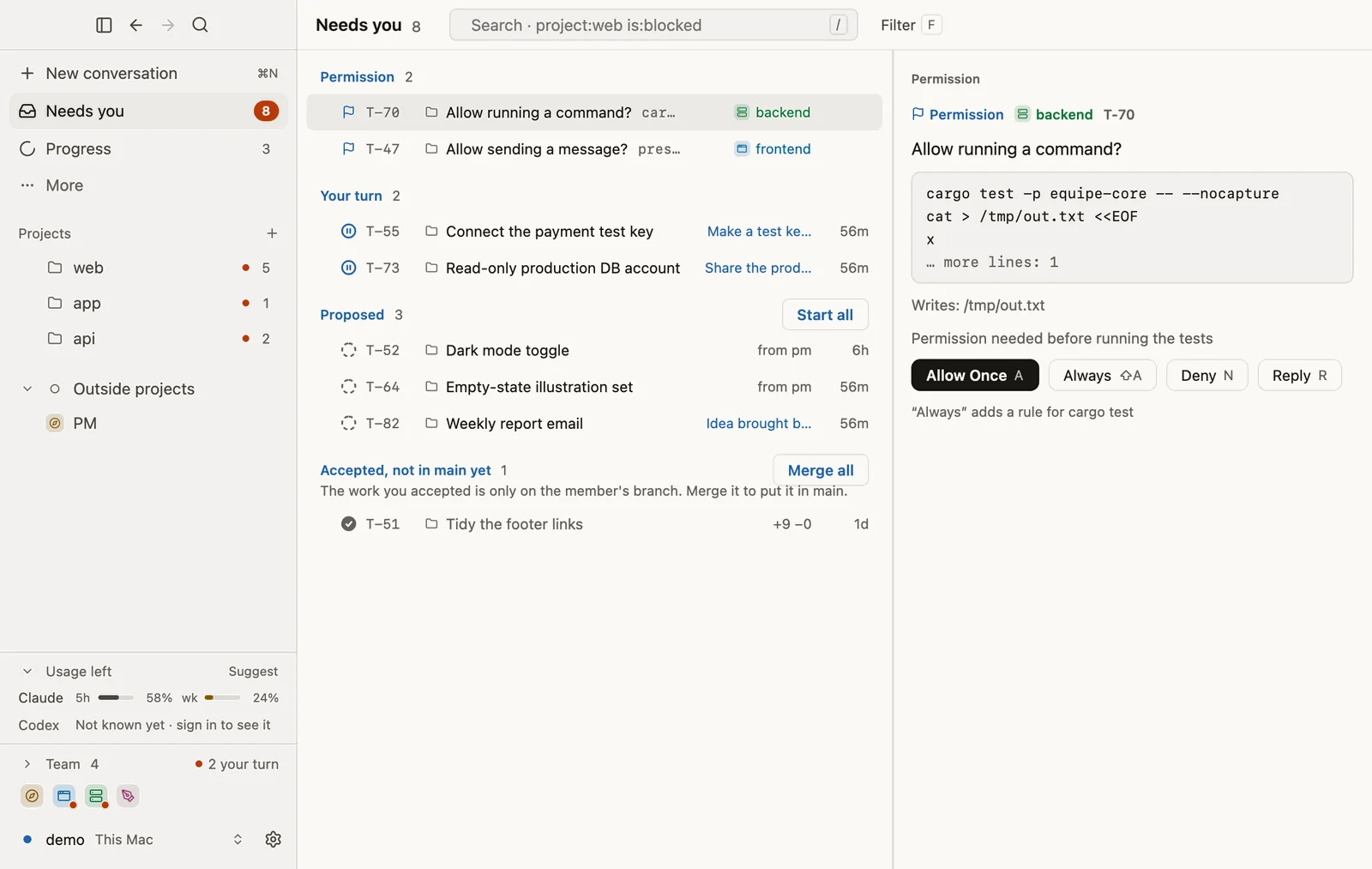
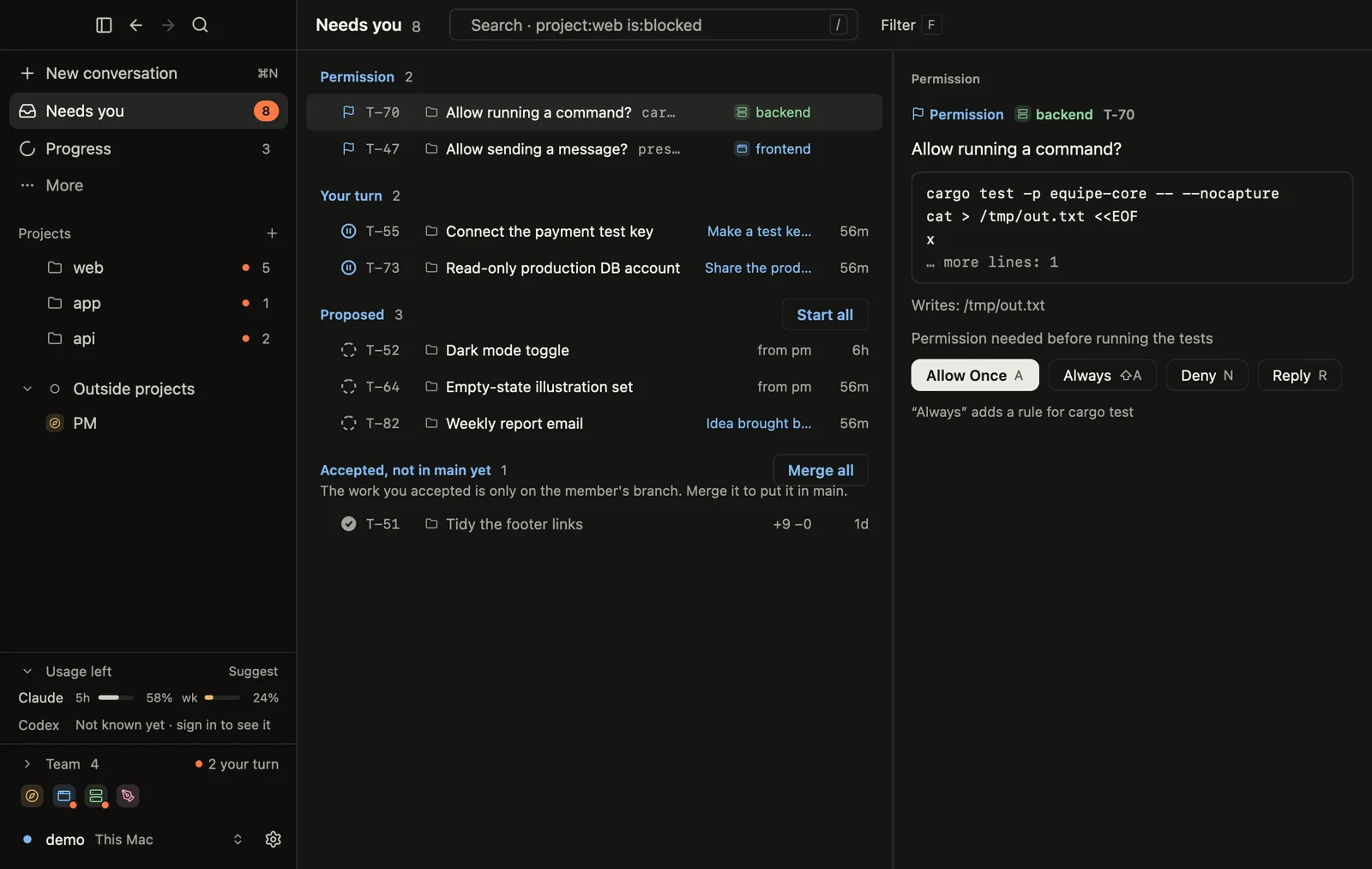
Domain purchases show how seriously this is taken: the team cannot buy a domain by itself. The request shows the domain and price and links to an approval page that only a signed-in member of your team can open. The purchase is allowed only if it is approved, not expired and not above the approved price, and one approval buys once.
Money: you see the cost first
- Every request shows its expected cost before it runs.
- You set a monthly spending cap, and you always see the expected total for the month.
- Domains are billed at cost, and AI work is billed at the model’s list price plus a margin, shown to the cent for each task.
- Credits are in dollars: 1 credit equals $1. Packs are valid for 12 months and unused credits are refundable within 14 days.
You can read the full numbers on the pricing page and in our cost breakdown.
Secrets: kept away from the AI
API keys, payment keys and passwords are the keys to your business. In equipe they live in a separate encrypted store, not in the project’s code and not in the chat. They are never shown to the AI or in the conversation. The team’s hosting and domain credentials are likewise held by the platform rather than handed to the agents.
You should hold other tools to the same standard. If a tool asks you to paste a payment key into a prompt, that key is in a transcript. Ask where secrets are stored before you use any builder.
Isolation: one machine per team
Each team works on its own isolated machine, separate from other customers. Within a team, each member also works in its own copy of the project on its own branch, so work in progress never touches your live product. Nothing reaches your main product until you approve it.
Sign-in: no passwords to leak
You sign in with a passkey, Google or Apple, or a one-time email code. There is no password for us to store or for an attacker to steal.
Your data: deletion and export
- Deletion. Ask us to delete your account and we remove your data within 30 days.
- Inactive free teams. A free team nobody opens for 14 days gets an email and is deleted 7 days later unless you open it. You can download your project first.
- Ownership. Each customer’s hosting, database and domain run as one project per customer. If a product outgrows that setup, we can move it to your own accounts.
- Analytics on your product. Analytics for products built on equipe use no cookies and store no IP address; they keep a two-letter country and a random anonymous id in the visitor’s browser, and delete events after 180 days.
If something looks wrong
Because nothing reaches your live product without your approval, declining is always safe: say no to the card, and the work stays out of your product. Ask the PM why it proposed the change, and ask for a smaller version. If you think something is actually broken or unsafe, write to support@equipe.im with what you saw. We would rather hear about a false alarm than miss a real problem.
What we do not claim
Trust is also about limits, so here they are:
- No SOC 2 or ISO 27001 certification is listed on our security page, and we do not claim one. If your employer requires it, choose a provider that has it; some builders state these certifications on their own security pages (see our comparison).
- We have not published a backup or uptime commitment. We will not state numbers we have not published. Until we do, download your project regularly if it matters to you, and ask support at support@equipe.im about your specific need.
- Agents can be wrong. That is why QA tests the work and why risky actions need your approval. Approvals reduce risk; they do not remove the need to read what you are approving.
- We are early. The site lists what works today and what is still coming.
Found a security issue? Write to support@equipe.im.
A checklist you can use on any AI builder or team
- Can it publish, spend or message customers without asking me?
- Where are keys and passwords stored? Are they ever shown to the AI or pasted in chat?
- Is my work isolated from other customers?
- How do I sign in? Is there a password to leak?
- Can I delete my data, and how fast?
- Can I export what I built? Can it be moved to my own accounts?
- What certifications does it actually state, and on which page?
- What does it promise for backups and uptime, in writing?
Where to go from here
Our Facts page lists these statements as short, quotable lines, and the security page is the authoritative source. To see what the team does with the access you give it, read what an AI startup team actually does.