A newsletter is one of the cheapest ways to build an audience you own. You write, people who asked for it get it by email, and nobody can change the rules on you overnight. The hard part is not the writing tool. It is deciding what to send, how often, and keeping it up for more than three issues.
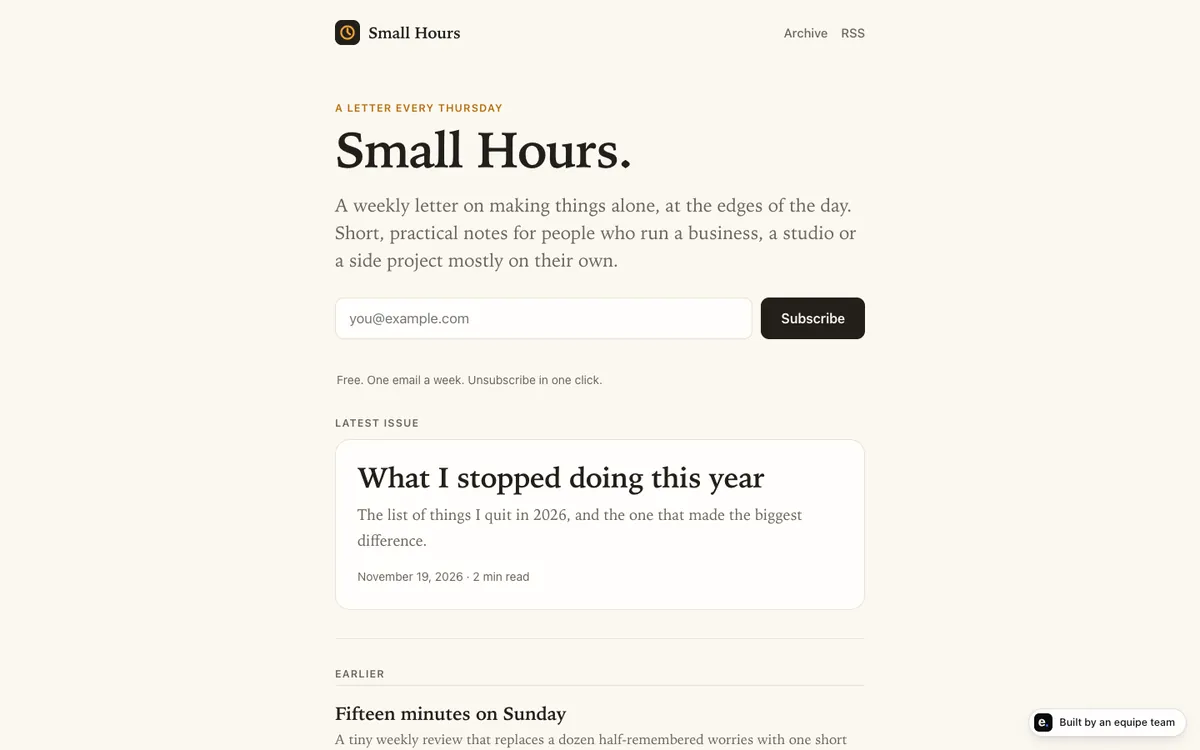
This guide walks through the whole thing in plain words, using a small worked example: a demo newsletter called Small Hours that an equipe team built in about 35 minutes. We cover why sign-ups should confirm by email, what RSS is, how to plan a cadence, who writes, and what to measure.
The short answer. Pick one reader and one weekly slot. Use a sign-up that confirms by email (double opt-in), add an RSS feed if you also publish posts, and write a few issues ahead. Let AI help draft, but you approve everything sent to subscribers. Measure visits, subscribe rate and returns.
The worked example: Small Hours
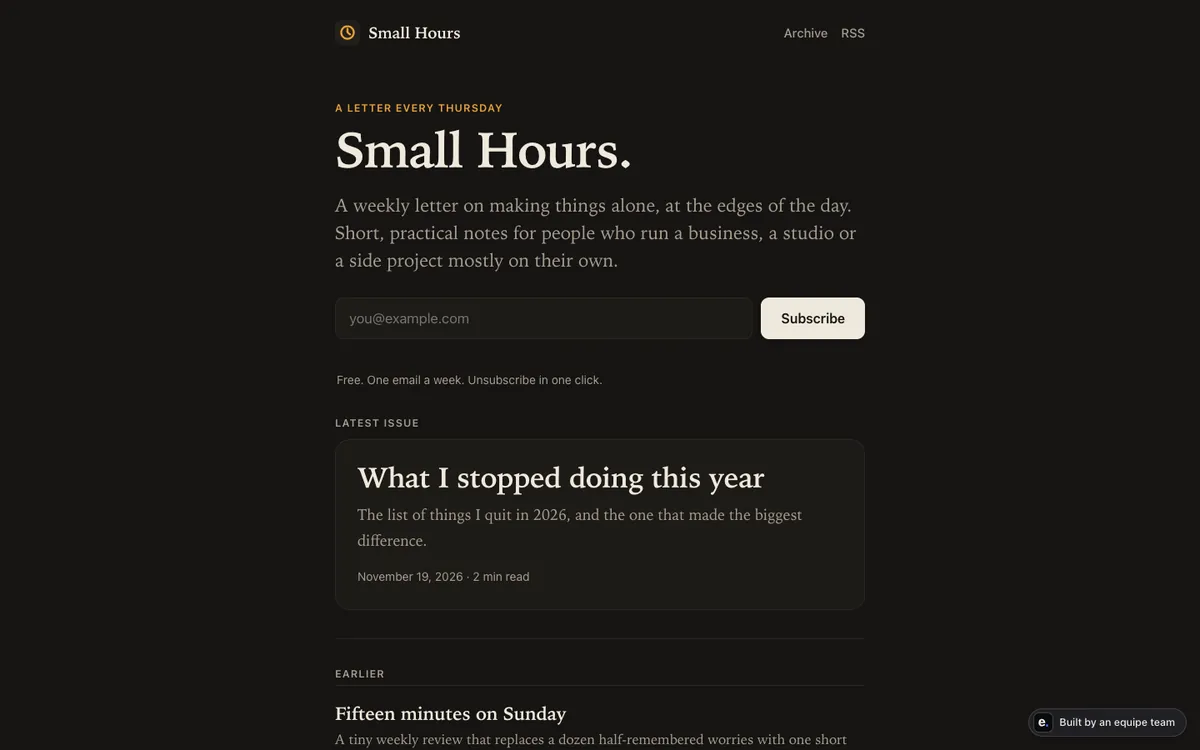
Small Hours is a made-up business, built as a demo so you can see what a small newsletter product looks like. It is a real, live site, not a mock-up. It has:
- a weekly newsletter with six issues already published;
- a sign-up form that uses double opt-in (explained below);
- an RSS feed;
- an admin page where the owner writes the next issue and emails it to subscribers.
An equipe team built it in about 35 minutes. We use it here because it is small enough to understand in one sitting: one reader promise, one form, one archive, one admin screen.
Why double opt-in
Double opt-in has two steps. A visitor types their address into the form. Then they receive an email with a link, and they are only added to your list when they click it.
Why it is worth the extra step:
- The address is real. A typo or a made-up address never confirms, so it never lands on your list.
- The owner agreed. Nobody can sign someone else up and have your newsletter land in a stranger’s inbox.
- A cleaner list. Everyone on it chose to be there, which is the point of a newsletter.
- Fewer complaints. People who confirmed are less likely to be surprised by your emails.
The trade-off is that a few real people will not click the confirmation. That is a small loss for a list you can trust. Whatever tool you use, add one sentence under the form that says what people will get and how often, and make unsubscribing easy.
What RSS is, in one paragraph
RSS is a standard, machine-readable list of your latest posts. People add your feed to a reader app, and new posts show up there without any email. Other tools can also use it, for example to post your new issue somewhere else. It is optional. If you publish issues as web pages, an RSS feed is a cheap extra that costs readers nothing, and it means your archive is not locked behind your email list.
Plan a cadence you can keep
Most newsletters fail by fading out, not by being bad. Plan for the tired weeks.
- One promise. Finish the sentence: “Every Thursday, [reader] gets [one useful thing] in under five minutes.”
- One slot. Weekly is a good default for a small product because it is regular without being heavy. Pick a day and keep it.
- A fixed shape. For example: one idea, one example, one thing to try. A shape makes each issue faster to write.
- A buffer. Write two issues ahead before you launch. Small Hours launched with six issues for the same reason: a new visitor should find an archive, not an empty page.
- A rule for skipping. Decide now what you do on a missed week, such as a short note, so a gap does not turn into silence.
A simple planning table for the first month:
| Week | Topic | Status |
|---|---|---|
| 1 | The promise and a first useful tip | Written, scheduled |
| 2 | A worked example | Drafted |
| 3 | A reader question | Idea only |
| 4 | A short roundup | Idea only |
Who writes, and who approves
You are the author. Your readers signed up for a person’s point of view, and that does not transfer well to a machine. AI is useful around the edges:
- turning your rough notes into a clean first draft;
- tightening long paragraphs and checking they read well on a phone;
- suggesting subject lines and a short preview text;
- proposing next week’s topics from what readers clicked.
What you keep for yourself: the opinions, the facts you are sure of, and the final yes. Read the draft aloud once. If it does not sound like you, change it.
On the approval side, the rule on equipe is firm: anything that reaches customers waits for your approval. Sending messages to subscribers always shows up as a short approval card, with options and a recommendation, and you answer with one tap. In practice that means the team can write the issue, set up the page and prepare the send, but nothing goes to your list until you say yes. Whatever tool you pick, build the same habit: a human presses send.
Measure it: visits, subscribe rate, return
Three numbers are enough at the start.
- Visits: how many people reached your sign-up page.
- Subscribe rate: of those visitors, how many subscribed. This is your activation, the one thing the page exists for. If visits are fine and the rate is low, the promise or the form is the problem.
- Return: how many people come back to read another issue or visit again. This tells you whether the newsletter is worth reading, which sign-ups alone do not.
Analytics for products built on equipe use no cookies and store no IP address. They keep only a two-letter country and a random anonymous id kept in the visitor’s browser, delete events after 180 days, and show counts, funnels and retention. You also get simple A/B tests: two variants and a goal event, for example two headlines for the sign-up form with “subscribed” as the goal.
Change one thing at a time. If you rewrite the headline and the form together, you will not know which one helped. Our guide to metrics for a small product goes deeper, and build, measure, learn describes the weekly loop.
Mistakes to avoid
- Buying a list or importing one without permission. Only email people who asked for it. Double opt-in exists to protect you from this.
- No archive. A visitor who cannot see a past issue has little reason to subscribe.
- Changing the promise every week. Readers signed up for something specific.
- Sending from a tool nobody approves. Auto-sending drafts is how embarrassing mistakes reach everyone at once.
- Measuring only the list size. A big list with no returns is a quiet failure.
- Starting with a blog, a podcast and a newsletter together. Do one well for six weeks, then add a second.
- Hiding the unsubscribe link. It protects your reputation and your readers’ trust.
Where equipe fits
equipe is an AI startup team for people who cannot code: a PM, engineers, a designer, QA and a data analyst. For a project like Small Hours, you describe your promise, the PM asks who it is for and what to check, and the team builds the site, the sign-up, the archive and the admin page. You preview it before it goes live, and publishing and sending always wait for your approval. Hosting, the database and the domain are set up by the team, so you never sign in to a code host or cloud console.
It is not the right fit if you only want a hosted email service with templates and you are happy to run it yourself, or if you need a feature we have not shown. Two things are not shipped yet: one-step import from Claude with a database and a domain (until then, share the code or describe it and the team moves it for you), and weekly usage reports with proposals (for now, the PM can review usage and propose when you ask). The domain guide explains how your own address gets connected, and approvals are covered in approval cards explained.
Next steps
- Write your promise in one sentence and your weekly slot.
- Look at the live Small Hours demo and decide which parts you want: sign-up, archive, RSS, admin page.
- Draft three issues before you launch.
- Add analytics for visits, subscribe rate and returns.
- Review the numbers once a week and change one thing.
If you want a team to build this with you, you can start free: $5 of credit when you create a team, up to 2 hours of team time, no card needed. See pricing for the details, and what an AI startup team does for how the work is split.