Selling something online feels like it needs a checkout, a payment system and a pile of security work. For a first small shop, it does not. You can learn whether people want your product before you take on the part that touches money.
This guide explains a gentler start, called request-to-buy, using a demo pottery shop called Tidepool Ceramics as the worked example. We cover what you avoid, how orders and stock work, which pages to write, and when it makes sense to add real checkout.
The short answer. Start with request-to-buy: customers ask for an item, you confirm by email and arrange payment yourself, so your site never handles card details. Keep orders and stock in one admin page, write clear policies, and add real checkout only once requests are steady and you trust your process.
The worked example: Tidepool Ceramics
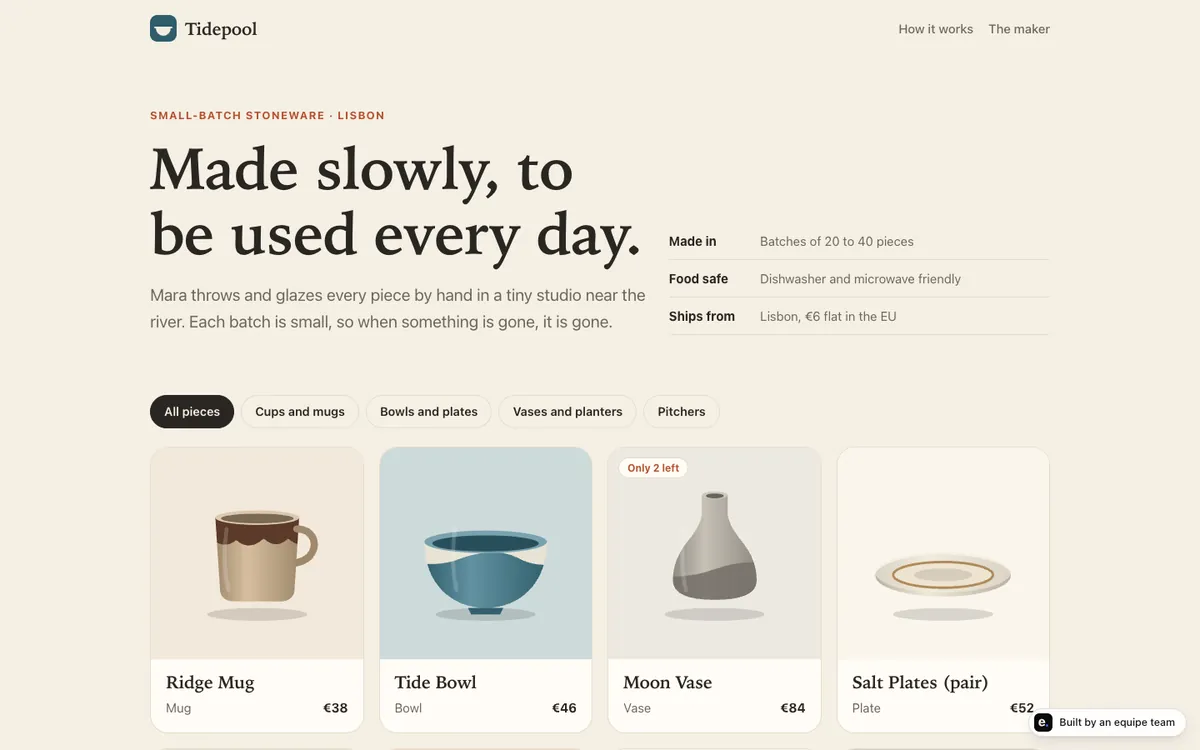
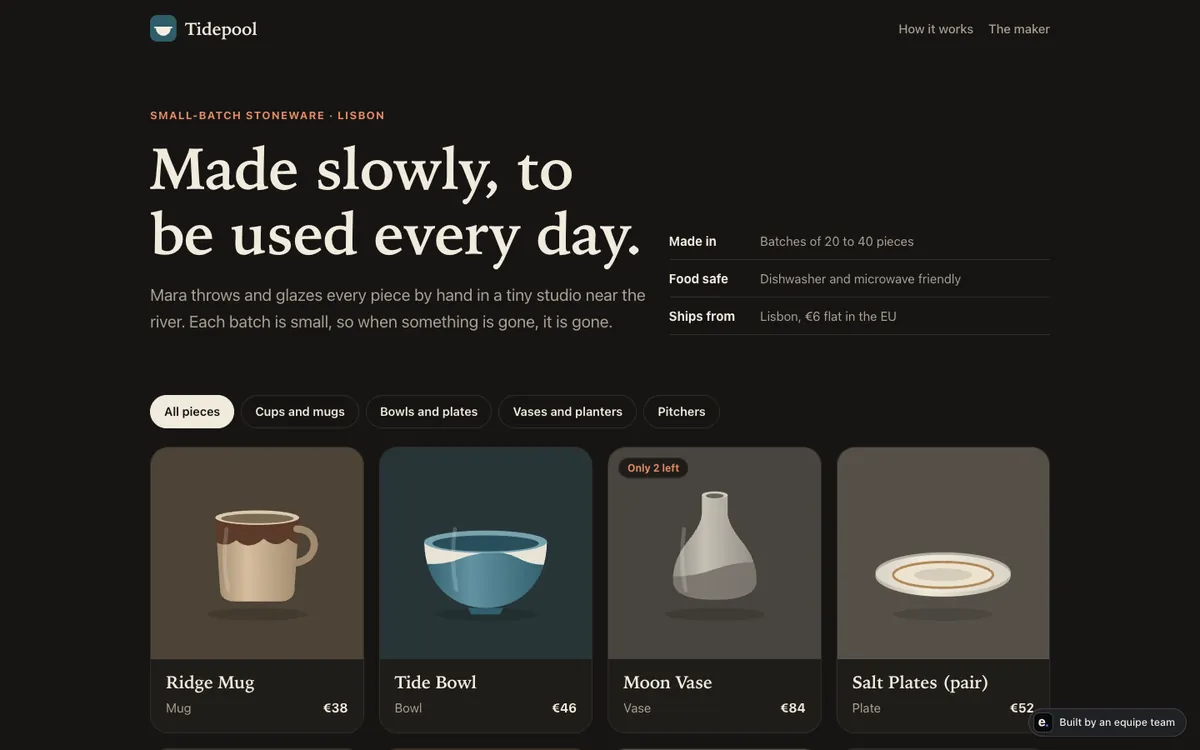
Tidepool Ceramics is a made-up small-batch pottery business. The site is real and live, built by an equipe team in about 40 minutes as a demo. It has:
- product pages for small-batch pieces;
- request-to-buy, with no card handling at all;
- email updates to the customer about their request;
- an admin area for orders and stock.
Pottery is a good test case. Each piece is limited, so stock matters. Customers often have questions before buying. And the owner makes a few things at a time, so a short back-and-forth by email is natural.
Why start with request-to-buy
Request-to-buy turns “Add to cart, pay now” into “I would like this one.” The visitor fills in a short form. You get the request, check it, and reply.
It suits a first shop for four reasons:
- You learn what sells. Real requests tell you which products and prices people respond to, before you invest in payment plumbing.
- You can say no or adjust. If an item is sold, damaged or needs a shipping quote, you handle it before any money moves.
- It is small to build and easy to understand. Fewer moving parts means fewer things that can break.
- You keep the personal touch. For handmade or limited goods, a friendly email is part of the product.
The cost is friction. A customer has to wait for your reply and pay in a second step, so some will drop away. That is the trade-off, and it is fine while you are small.
What you avoid by not handling cards
Card details are among the most sensitive data a small business can touch. If your site collects, stores or passes them around, a mistake can mean customers losing money and you carrying the responsibility.
With request-to-buy, your site never sees a card number. That removes a whole class of risk:
- no card data stored in your database by accident;
- no payment keys sitting in the code of a half-finished site;
- no rush to meet payment-security rules before you have a single order.
You still look after the data you do collect: names, email addresses and delivery details. Collect only what you need, say what you do with it on a privacy page, and keep it in a real database rather than in a spreadsheet you email around.
How orders and stock work
A small shop needs two simple lists and a rule that connects them.
Orders. Each request becomes an order with a status. A simple set of statuses is enough:
| Status | Meaning | What the customer hears |
|---|---|---|
| Requested | The customer asked for the item | A short “we got your request” email |
| Confirmed | You checked stock and agreed | An email with next steps for payment |
| Shipped | The item has left | An email saying it is on its way |
| Cancelled | It cannot go ahead | An email saying why |
Stock. Each product has a count. For limited pieces, the count might be one. When you confirm an order, the count goes down, so you do not sell the same vase twice. Decide whether a pending request holds the item for a while, and tell customers what you decided.
The admin page. You need one screen that shows orders and stock together: what is waiting for you, what is confirmed, and what is nearly out. The Tidepool demo has exactly this: an orders and stock admin built for the owner.
Customer emails about a request are messages that reach customers. On equipe, sending messages always waits for your approval, so you see the wording and say yes. Read each one as if you were the customer.
Pages a small shop needs
A shop is more than product pages. Write these before you invite anyone, in plain language:
- Shipping: where you send, roughly how long preparation takes, and how you let people know.
- Returns and problems: what happens if something arrives damaged or is not right.
- How buying works: say clearly that people send a request, you confirm, and then you arrange payment. Surprises here cost trust.
- Privacy: what you collect (name, email, delivery details), why, and how a person can ask you to remove it.
- Contact: a real email address you answer.
Keep policies short and honest. Do not copy another shop’s policy word for word, because it will not match what you actually do. If your shop sells at scale or in regulated categories, get proper advice for your country.
When to add real checkout
Real checkout means the customer pays on your site and the order arrives already paid. It is worth adding when:
- requests arrive steadily and replying by hand takes real time;
- you know your prices, shipping and returns, and they rarely change;
- customers ask why they cannot just pay;
- you can answer support questions about payments.
Before that, resist it. A checkout built too early gets rebuilt when prices and policies change.
When you do add it, a few general rules hold on any platform. Use a specialist payment service rather than building card handling yourself. Keep payment keys in a protected secret store, never in the code and never pasted into a chat. Test with fake payments first. And decide who approves actions that move money. On equipe, anything that costs money waits for your approval, and keys and passwords live in a separate encrypted store, never shown to the AI or in chat. We do not compare payment providers here, because the right choice depends on your country and products.
Mistakes to avoid
- Building checkout first. You solve a payment problem before you know if anyone wants the product.
- Selling the same item twice. Without a stock count tied to confirmed orders, limited items get oversold.
- Silent requests. A customer who hears nothing for days assumes the shop is fake. Reply fast, or say when you will.
- Vague “how it works”. If buyers do not know a request is not yet a purchase, expect confusion.
- Pasting keys into chats or code. Do not do this, now or later.
- Copying policies. Write what you actually do.
- Forgetting photos and sizes. Most questions come from missing detail on the product page.
Where equipe fits
equipe is an AI startup team for people who cannot code. A PM asks about your customers and products, engineers build the pages, orders and stock admin, a designer makes it look right on phones, and QA tries a request the way a customer would. You preview everything, and publishing and sending always wait for your approval. Hosting, the database and the domain are handled by the team.
It is not the right fit if you need a full store with real checkout, shipping rules and tax handling today; we have shown request-to-buy, email updates and an orders and stock admin, and we do not claim more than that. Still not shipped: one-step import from Claude with a database and a domain, and weekly usage reports with proposals. For checking how safe your setup is, read is equipe safe and the no-code security checklist.
Next steps
- List five products with a photo, a price and a stock count.
- Write your how-it-works, shipping, returns, privacy and contact pages.
- Look at the live Tidepool demo and note what you want to copy.
- Launch with request-to-buy to people you know, then check how many ask.
- Revisit real checkout after a few weeks of steady requests.
Pricing for products is its own question; see how to price your first product. To start free, you get $5 of credit when you create a team and up to 2 hours of team time, with no card needed; details are on the pricing page.