What a bakery website needs, and a brief to build yours.
Bakery customers want two things: what’s fresh today, and how to order a cake for Saturday. A good site makes both easy and saves you a lot of phone calls.
What a bakery website needs
Specific to this kind of business, in the order customers look for it.
Today’s bakes, and what sells out
A short daily list with prices, and a note on what usually sells out by noon. It sets expectations and brings people in early.
Custom cake orders with lead times
A form with size, flavor, message, pickup date and a photo upload for inspiration. State your lead time (for example, 48 hours) so the form only offers dates you can make.
Pickup slots
Let people choose a pickup time for pre-orders, especially before holidays, so the counter doesn’t turn into a queue.
Allergens on every item
List what each item contains and whether it’s made in a kitchen that handles nuts. In the UK and EU you must be able to give the 14 listed allergens for each item.
Holiday pre-order pages
Thanksgiving pies, Christmas stollen, Easter buns: open a page weeks ahead with a cut-off date.
Wholesale inquiries
Cafes and restaurants looking for bread are a steady channel. A short form with volume and delivery days is enough.
Where your customers already look
Your site is the one place you fully own. These are the places that send people to it, and how to connect them.
Google Business Profile
Add a menu or product list, photos and your site link. Post holiday pre-order dates there too.
Instagram
Your bakes are photogenic. Link the site in your bio for ordering and today’s list.
Nextdoor
A good place to announce holiday pre-orders to your neighborhood, linking to the order page.
Too Good To Go
If you sell end-of-day surplus there, mention it on your site; it brings new customers who come back at full price.
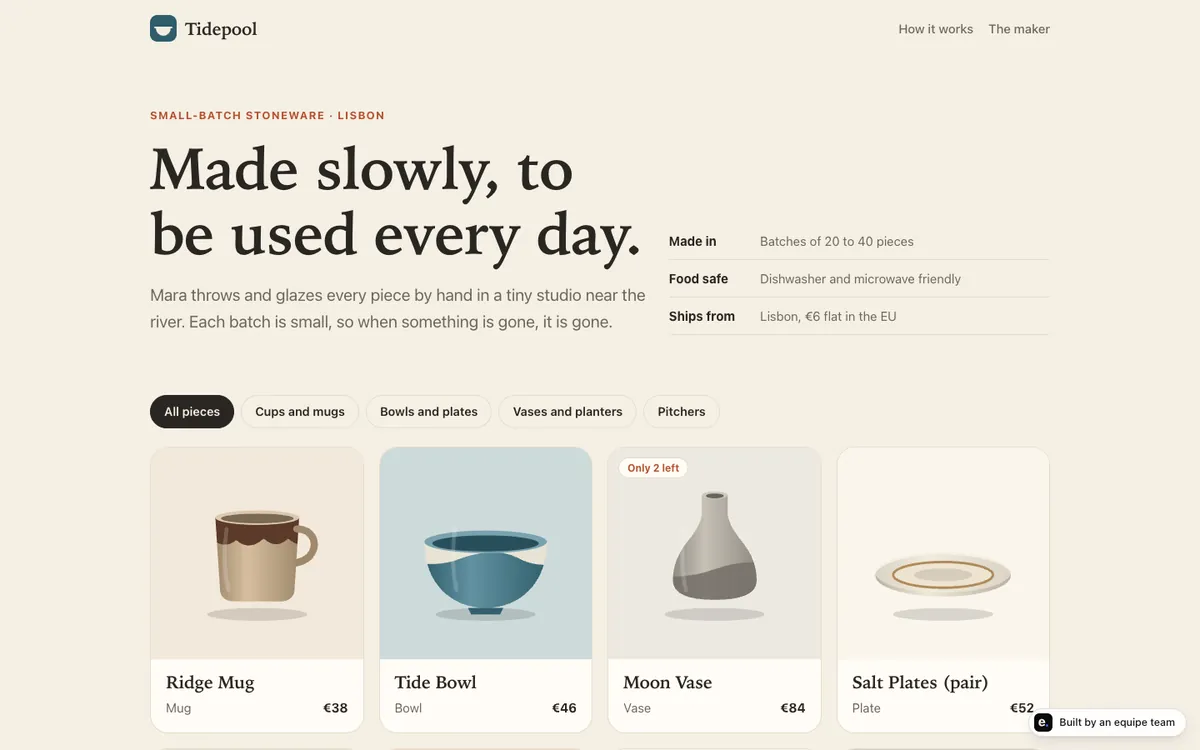
Start from a ready-made brief
Fill in the parts in [brackets], change anything else, and your AI team builds the first version from it. No coding needed.
Tell Google exactly what you are
Structured data is a short, invisible block that tells search engines your business type, address, hours and links. It is what feeds the details next to your name in search and maps.
Use the Bakery type with address, phone, opening hours, priceRange and a hasMenu link to your product list. Keep the hours identical to your Google profile, including holiday changes.
{
  "@context": "https://schema.org",
  "@type": "Bakery",
  "name": "Your business name",
  "url": "https://…",
  "telephone": "+1 555 0100",
  "address": {
    "@type": "PostalAddress",
    "streetAddress": "123 Main Street",
    "addressLocality": "Your city"
  },
  "openingHoursSpecification": [
    {
      "@type": "OpeningHoursSpecification",
      "dayOfWeek": [
        "Monday",
        "Tuesday",
        "Wednesday",
        "Thursday",
        "Friday"
      ],
      "opens": "09:00",
      "closes": "18:00"
    }
  ],
  "priceRange": "$",
  "hasMenu": "/menu/",
  "sameAs": [
    "https://www.instagram.com/…"
  ]
}
Every site equipe puts live gets structured data, a sitemap and llms.txt from day one. Keep the details identical to your Google Business Profile.
Questions owners ask
Can customers order cakes on my site?
Yes. A custom cake form with your lead time and pickup slots works well, and every order comes to you by email to confirm. Card payment and deposits can come later.
Do I need to list allergens online?
Rules depend on where you are, but listing them is what customers expect. In the UK and EU you must be able to tell customers which of the 14 listed allergens each item contains.
How do I stop the phone ringing all day?
Put the answers people call for on the site: today’s bakes, hours, lead times and a pre-order form. Most calls are one of those.
Will it work for holiday rushes?
Yes. A pre-order page with a cut-off date and pickup slots spreads the rush, and you see every order in one list.