What a tutoring website needs, and a brief to build yours.
Parents and students are deciding who to trust with their grades. Your site should show exactly what you teach, who teaches it, and make the first step a small one.
What a tutoring website needs
Specific to this kind of business, in the order customers look for it.
Subjects, levels and exams
Be specific: "AP Calculus AB", "GCSE Maths, Higher", "SAT reading". Each one people search for can be its own section or page.
A free first consultation
A 15–20 minute call or assessment lowers the barrier. Make it the main button on every page.
Booking in the family’s timezone
For online lessons, show open slots in the visitor’s own time and send a calendar file, so nobody misses a lesson.
Prices and packages
Per-hour price, packages and how cancellations work. Families compare; clear prices win.
Who teaches
Each tutor’s background, subjects and how they teach. For under-18 students, say what background checks you do.
Results you can stand behind
Real outcomes and quotes, with permission. Never invent scores or testimonials.
Parent updates
A short note after each lesson or a monthly progress summary is what keeps families with you.
Where your customers already look
Your site is the one place you fully own. These are the places that send people to it, and how to connect them.
Google Business Profile
Essential for a learning center with a door. Solo online tutors can set a service area.
Tutoring marketplaces
Wyzant and similar sites bring students but take a large share. Your own site keeps repeat families direct.
Parent groups
Local Facebook groups and school communities recommend tutors; a site link makes you easy to check and book.
Start from a ready-made brief
Fill in the parts in [brackets], change anything else, and your AI team builds the first version from it. No coding needed.
Tell Google exactly what you are
Structured data is a short, invisible block that tells search engines your business type, address, hours and links. It is what feeds the details next to your name in search and maps.
A learning center can use EducationalOrganization together with LocalBusiness. A solo tutor can use Person plus a Service for each subject. Add areaServed for in-person lessons.
{
  "@context": "https://schema.org",
  "@type": [
    "EducationalOrganization",
    "LocalBusiness"
  ],
  "name": "Your business name",
  "url": "https://…",
  "telephone": "+1 555 0100",
  "address": {
    "@type": "PostalAddress",
    "streetAddress": "123 Main Street",
    "addressLocality": "Your city"
  },
  "openingHoursSpecification": [
    {
      "@type": "OpeningHoursSpecification",
      "dayOfWeek": [
        "Monday",
        "Tuesday",
        "Wednesday",
        "Thursday",
        "Friday"
      ],
      "opens": "09:00",
      "closes": "18:00"
    }
  ],
  "areaServed": "…",
  "sameAs": [
    "https://www.instagram.com/…"
  ]
}
Every site equipe puts live gets structured data, a sitemap and llms.txt from day one. Keep the details identical to your Google Business Profile.
Questions owners ask
How do I get tutoring students from my website?
Be specific about subjects and exams, offer a free first consultation, show prices, and claim your Google profile. Each subject page can rank for what parents type.
Can students book lessons on my site?
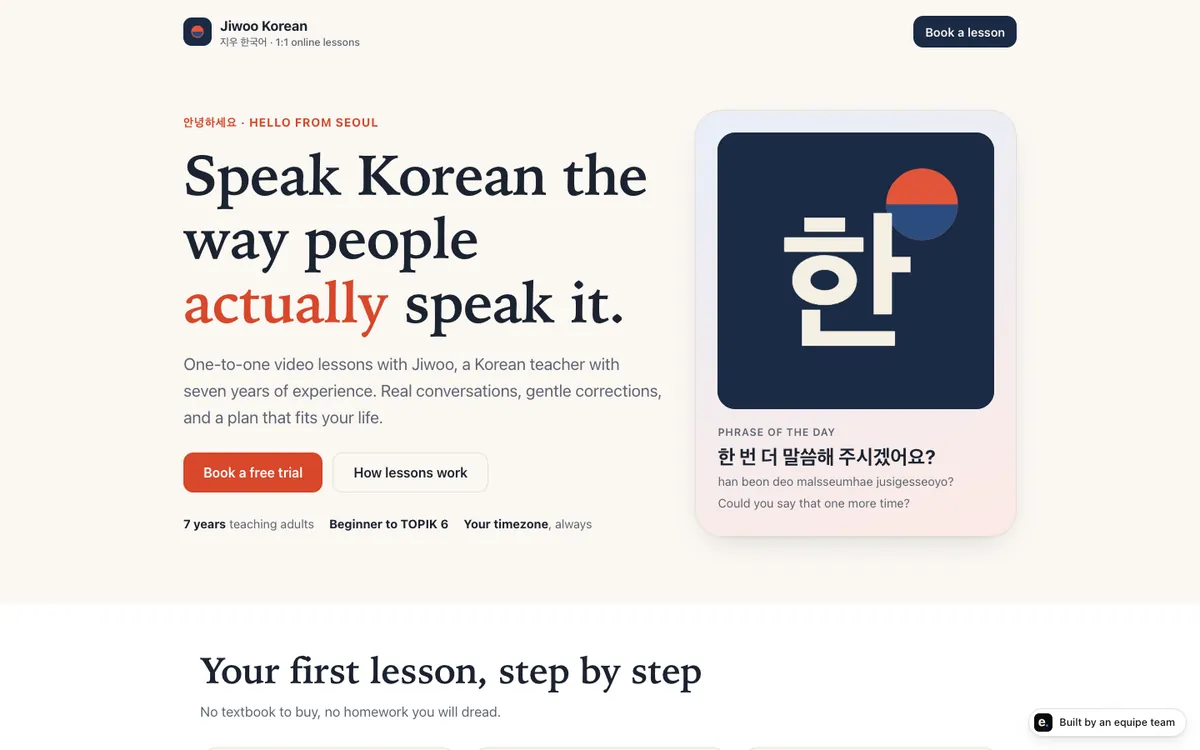
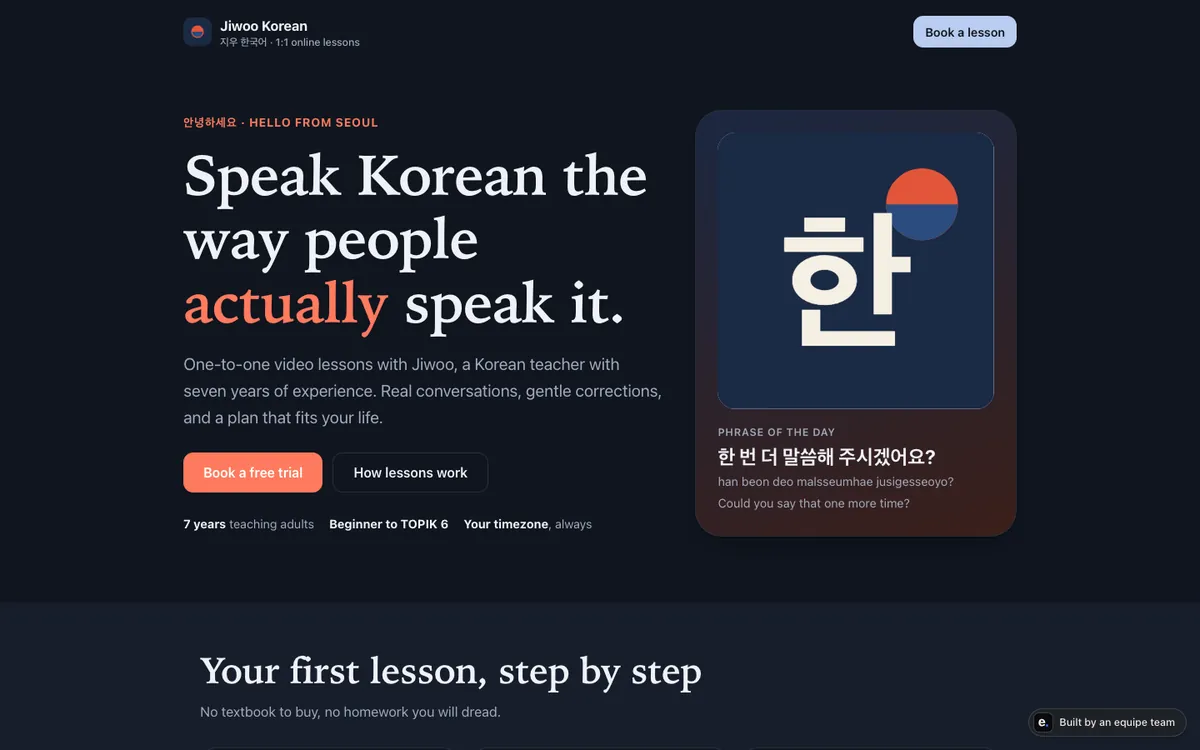
Yes. Show your available slots in their timezone, send a confirmation with a calendar file and a reminder. The Jiwoo demo shows exactly this.
Should I put my prices online?
Yes. Families compare tutors and skip the ones without prices. Show packages if you offer a discount for commitment.
What about students under 18?
Collect contact details from the parent, say what background checks your tutors have, and explain how lessons are supervised or recorded.