What a yoga or Pilates studio website needs, and a brief to build yours.
New students want to know which class to try, when it is and what it costs. Regulars want to book their spot in two taps. Your site should do both.
What a yoga or Pilates studio website needs
Specific to this kind of business, in the order customers look for it.
A class schedule that is always current
Show the week by day, with class type, level, teacher and spots left. Cancelled classes should disappear from the page, not just Instagram.
Booking with capacity and a waitlist
Reformer classes have a fixed number of machines. Cap each class and let people join a waitlist that moves automatically.
Class packs, memberships and an intro offer
Say what a first class costs and what the packs include. A clear intro offer is the most common reason people try a studio.
A beginner’s guide
Mat or reformer, vinyasa or yin: which class to start with, what to wear, when to arrive. It turns a curious visitor into a booking.
Cancellation window and waiver
State the late-cancel window and have new students accept a health waiver when they book, not on paper at the desk.
Teacher profiles
Training and style for each teacher. Students often follow a teacher across schedules.
Workshops and retreats
Give each one its own page with date, price and a booking button, so it can be found in search.
Where your customers already look
Your site is the one place you fully own. These are the places that send people to it, and how to connect them.
Google Business Profile
Add your site, schedule link and photos of the room. Post workshops as events.
ClassPass and Mindbody
They fill empty spots but take a share. Keep direct booking on your site for members.
Instagram
Short clips of classes and teachers; your site holds the schedule and booking.
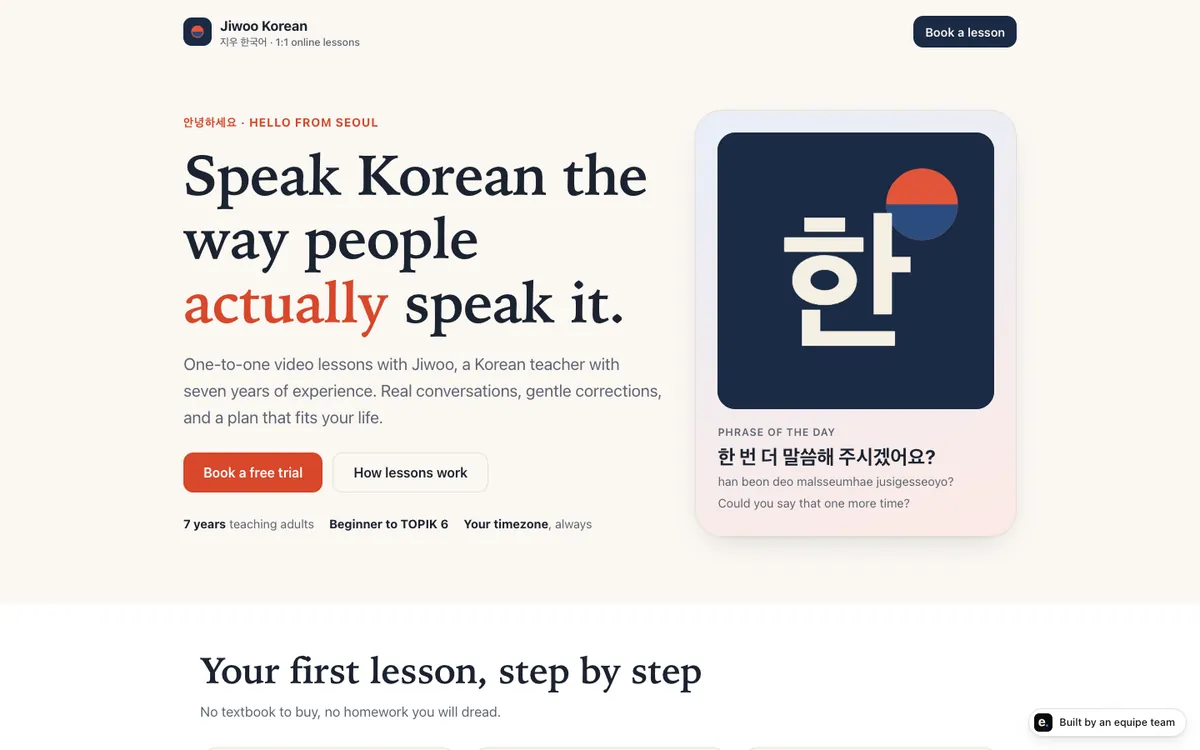
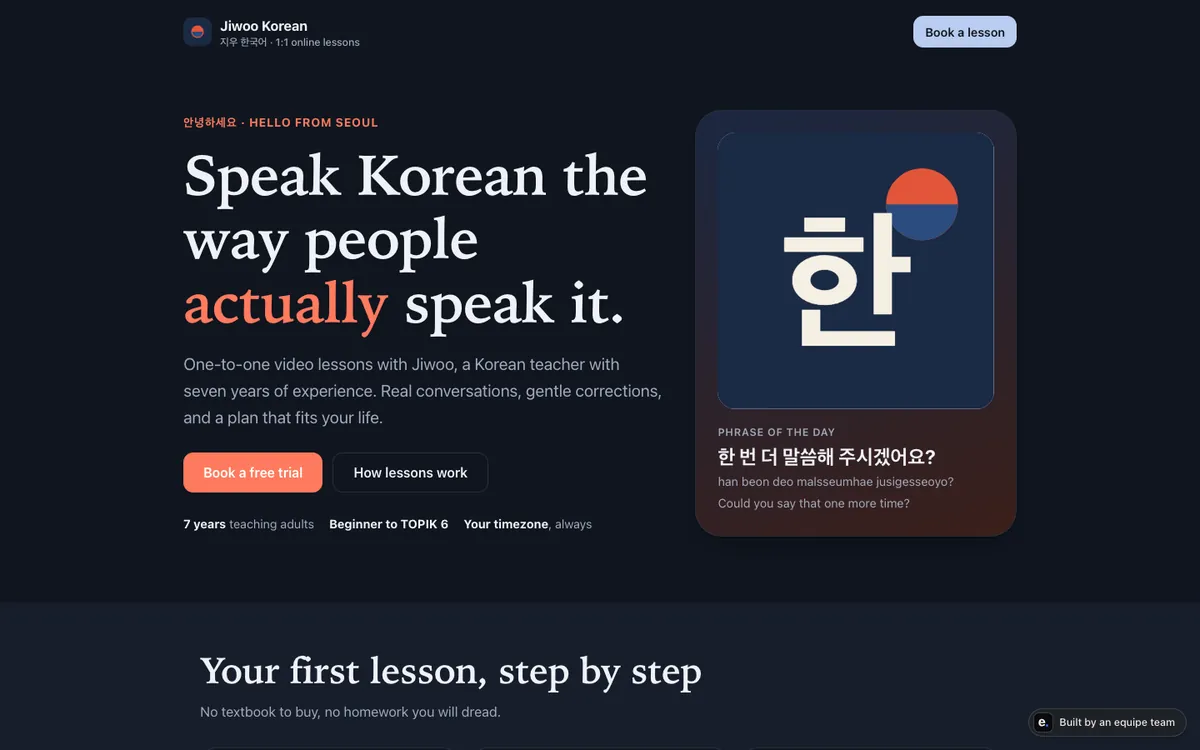
Start from a ready-made brief
Fill in the parts in [brackets], change anything else, and your AI team builds the first version from it. No coding needed.
Tell Google exactly what you are
Structured data is a short, invisible block that tells search engines your business type, address, hours and links. It is what feeds the details next to your name in search and maps.
Use ExerciseGym (or SportsActivityLocation) with address, hours and priceRange. Give each workshop or retreat an Event block with date, location and offers, which can show up in event search.
{
  "@context": "https://schema.org",
  "@type": "ExerciseGym",
  "name": "Your business name",
  "url": "https://…",
  "telephone": "+1 555 0100",
  "address": {
    "@type": "PostalAddress",
    "streetAddress": "123 Main Street",
    "addressLocality": "Your city"
  },
  "openingHoursSpecification": [
    {
      "@type": "OpeningHoursSpecification",
      "dayOfWeek": [
        "Monday",
        "Tuesday",
        "Wednesday",
        "Thursday",
        "Friday"
      ],
      "opens": "09:00",
      "closes": "18:00"
    }
  ],
  "priceRange": "$$",
  "sameAs": [
    "https://www.instagram.com/…"
  ]
}
Every site equipe puts live gets structured data, a sitemap and llms.txt from day one. Keep the details identical to your Google Business Profile.
Questions owners ask
Can I replace my booking software with my own site?
For a small studio, often yes: schedule, booking with capacity, waitlist and packs are standard. If you rely on a marketplace for new students, keep it and point regulars to your own booking.
How do I handle the waiver?
Show it as part of booking for new students and keep a record of who accepted it and when. Have a local professional check the wording.
What should an intro offer look like?
One clear price for a first class or a first week, shown at the top. Avoid stacking several offers; it slows people down.
Should every class have its own page?
Regular classes can live on the schedule. Workshops, teacher trainings and retreats deserve their own pages so people can find and share them.